
How I Wrote a Complete CLI Using GPT-4o in One Day

We've come a long way since ChatGPT was introduced last year. I've been exploring these AI tools extensively, and I believe that despite their limitations, they can still be incredibly useful for speeding up software development tasks.
Within my team, I've been advocating for the smart use of GPT. When it comes to writing code, it might sometimes generate incorrect code or code with lots of bugs. But if you craft your prompts intelligently and use them judiciously, you can genuinely benefit from it.
To showcase this, let me walk you through how I wrote an entire Command Line Interface (CLI) with ChatGPT in just one day.
Let’s explore this step-by-step.
Step 1: Choosing the framework
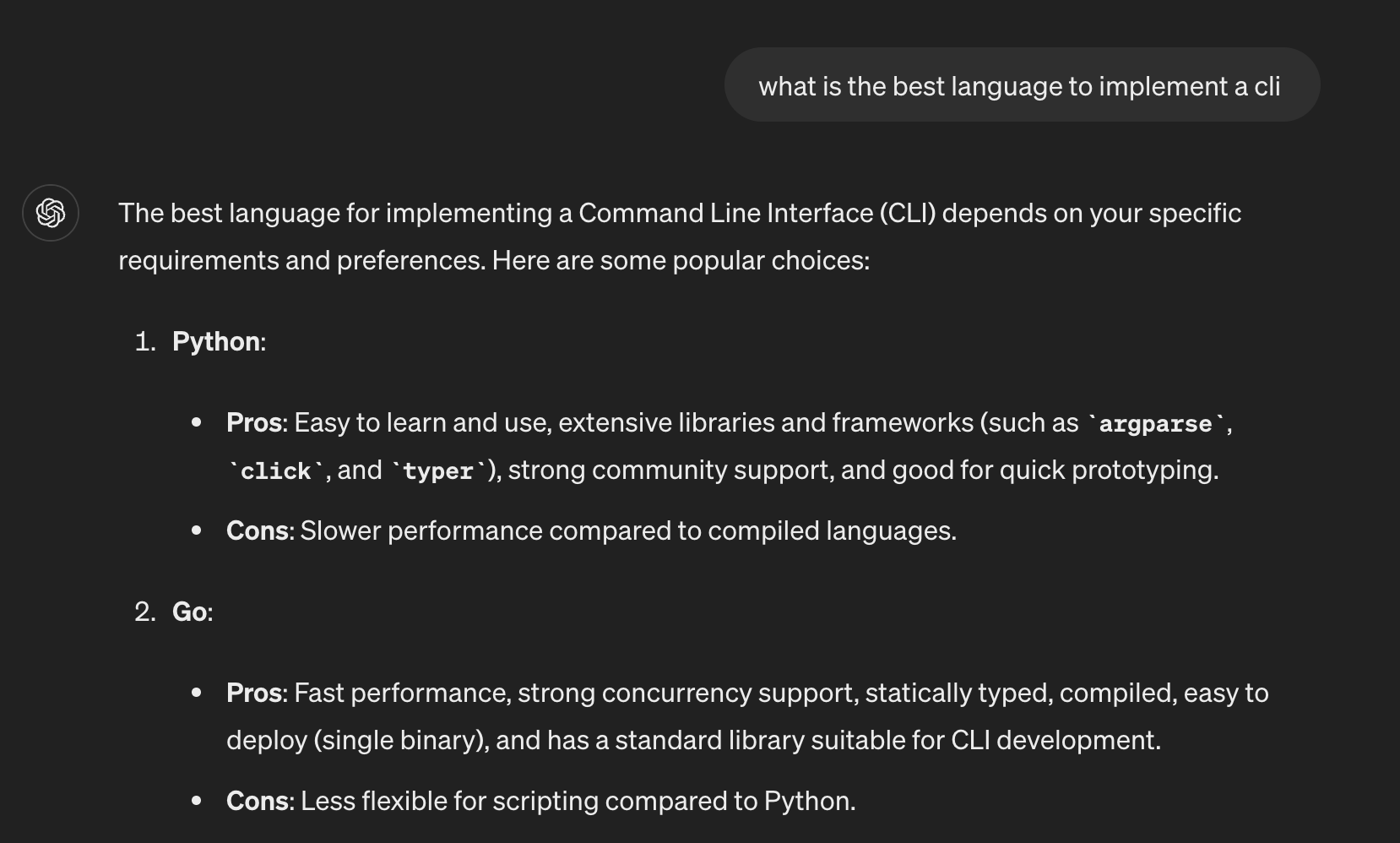
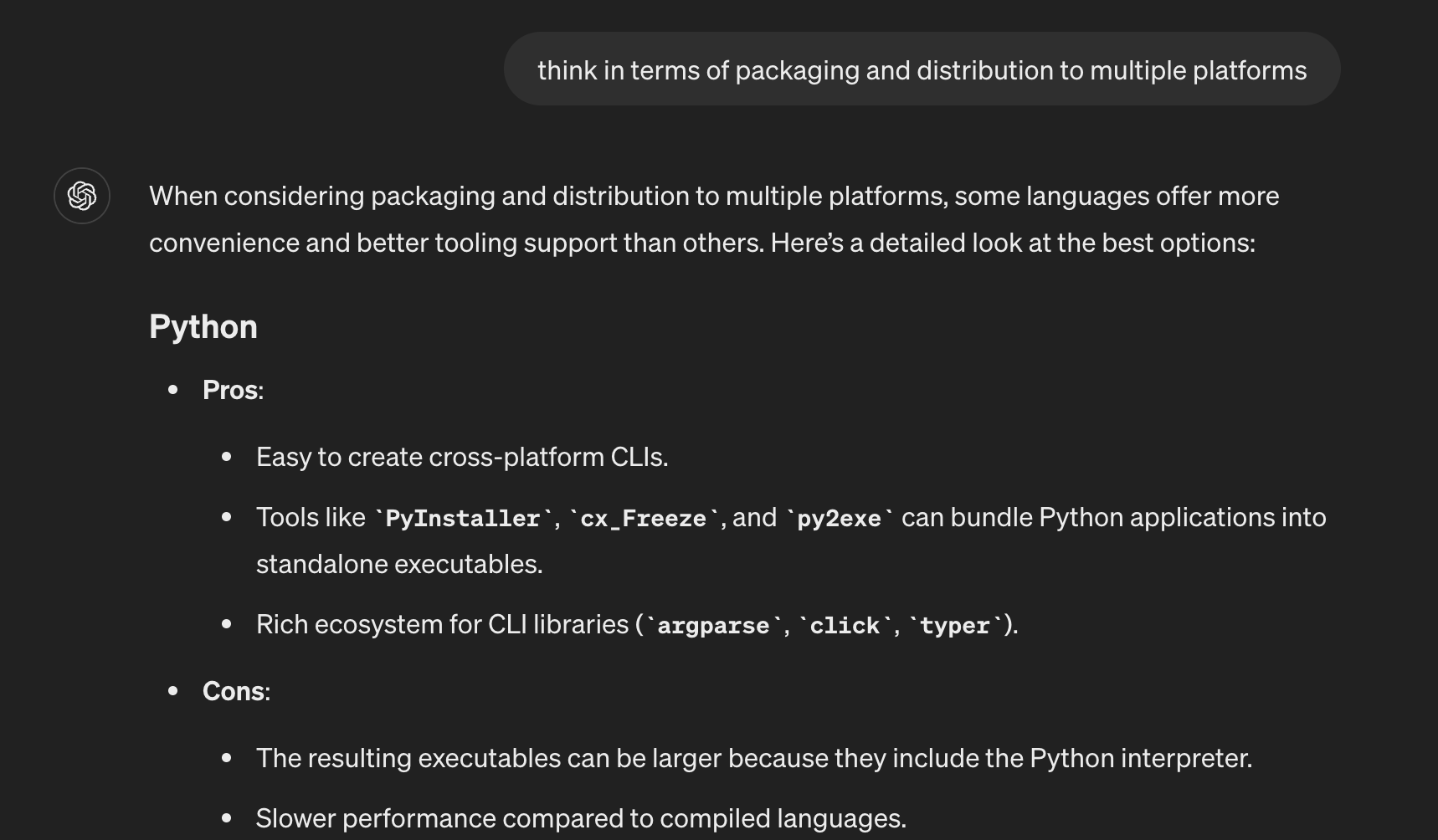
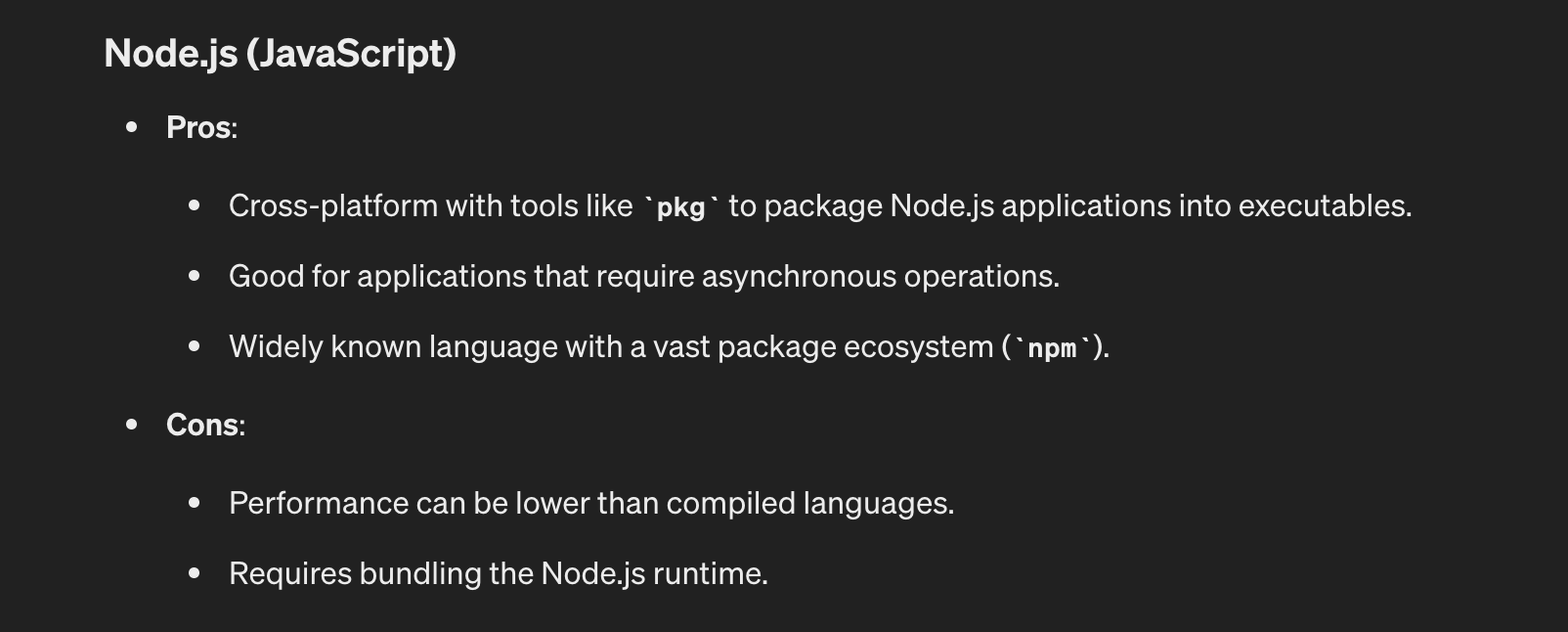
The first critical step was selecting the right framework for building the CLI. I didn't want to rush into a decision that could potentially cause issues down the line. So, I asked chatGPT to conduct a thorough pro-con analysis of several popular CLI frameworks, carefully evaluating factors like feature sets, community support, and ease of use.
After weighing all the options, I zeroed in on the framework that best aligned with our project's specific requirements.
With the foundation in place, I could confidently move forward, knowing that the chosen framework would facilitate efficient development while aligning with industry best practices and standards.
Step 2: Informing the decision
Next, I prompted that I was going with Node.js and the oclif framework, as I'm well-versed in Node and found it fitting for my use case. Providing this context is necessary to ensure that AI tools can offer more relevant and tailored guidance moving forward.
Step 3: Deciding project structure
With the framework chosen, I provided the final project structure, including file names and locations, to ensure it had a comprehensive understanding. ChatGPT then assisted in scaffolding the project by generating the necessary boilerplate code and directory structure. This included creating dedicated directories for commands, services, utilities, and other core components, following industry best practices for separation of concerns and modularity.
By doing this, I saved valuable time while ensuring the project adhered to a well-organized and scalable structure from the outset, laying a solid foundation for subsequent development phases.
Step 4: Writing commands for the CLI
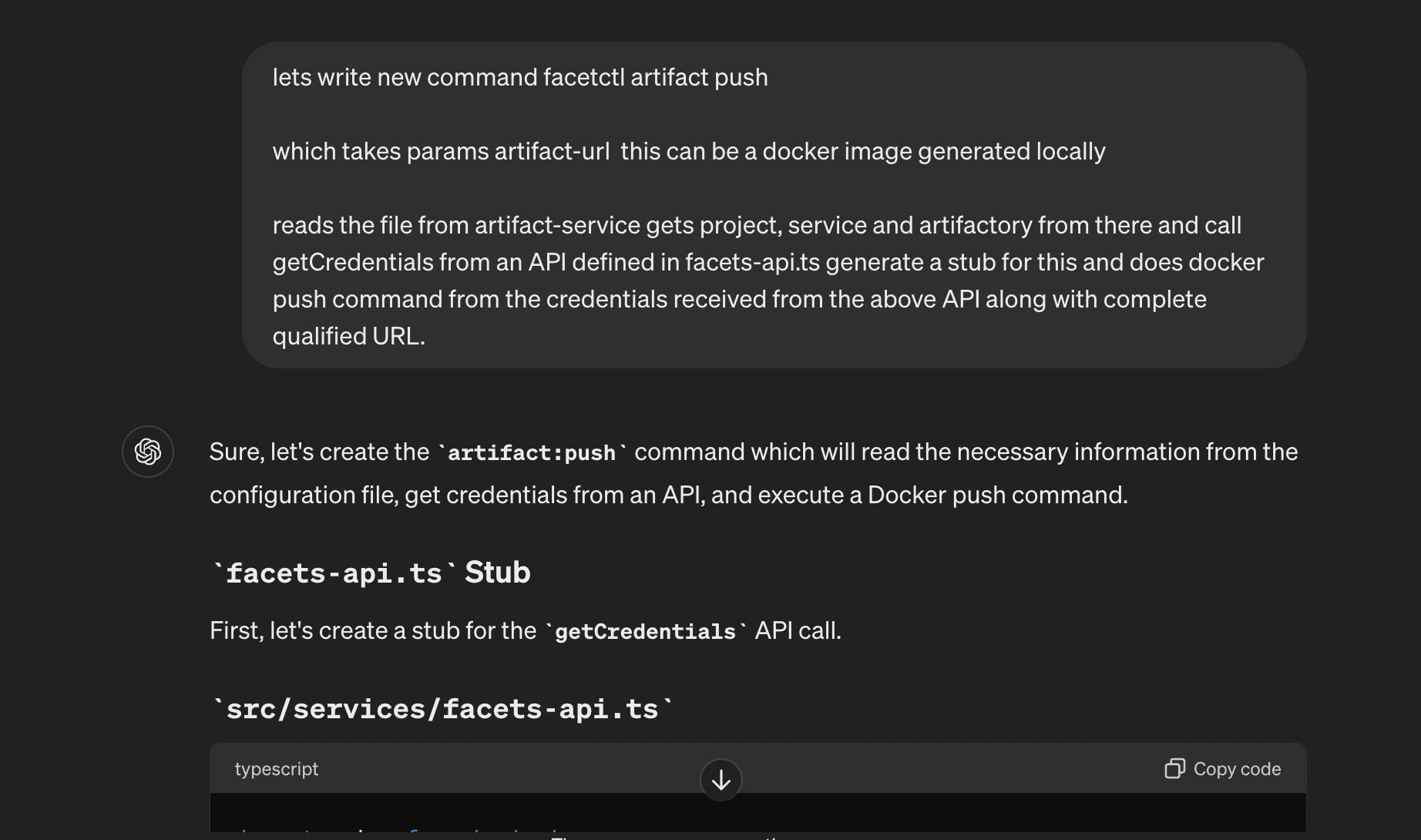
Now the next step was to draft the command specifications. This involved defining the CLI commands, their options, and arguments. I provided the desired CLI commands, their options, and arguments, and it responded with clear and concise examples that I could directly implement.
Look at the example below.
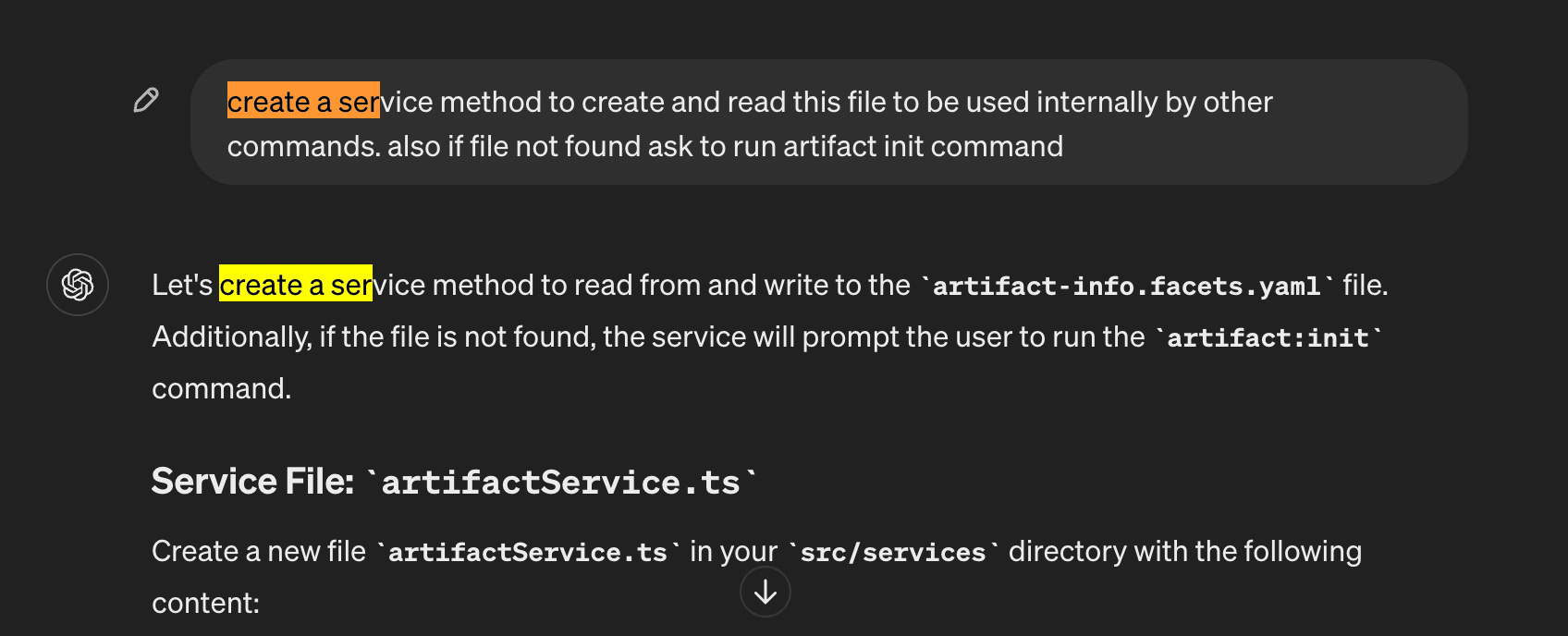
Step 5: Creating services for handling other aspects
Then I created non-command functionalities, such as interacting with external APIs or processing data. After I provided clear requirements and examples, it generated well-structured service implementations that adhered to best practices for separation of concerns and code reusability. These service modules formed the foundation for the CLI's core functionality, ensuring a reusable and modular codebase.
Step 6: Unit testing
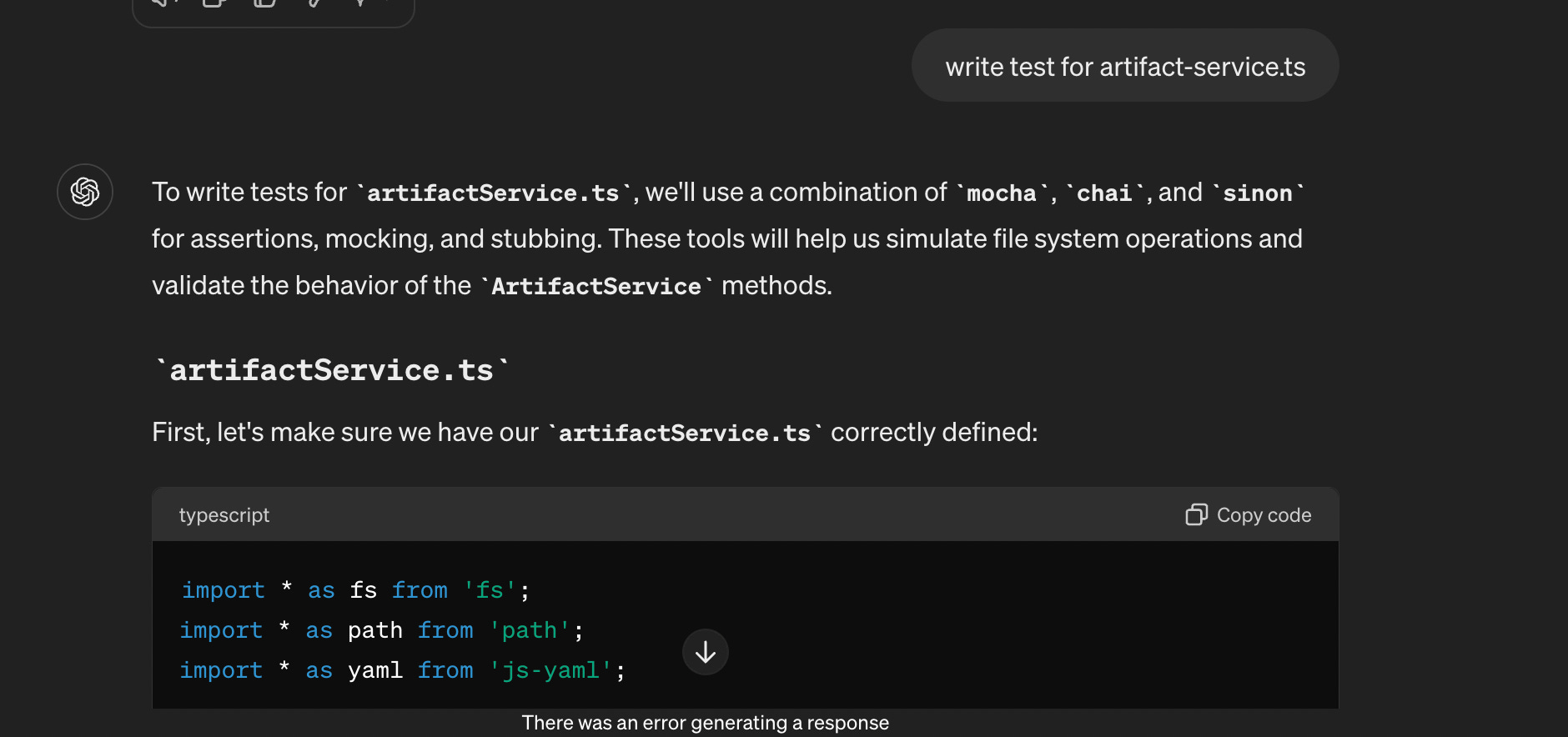
ChatGPT assisted in writing unit tests for the commands and services, ensuring the CLI was robust.
Step 7: Debugging and error resolution
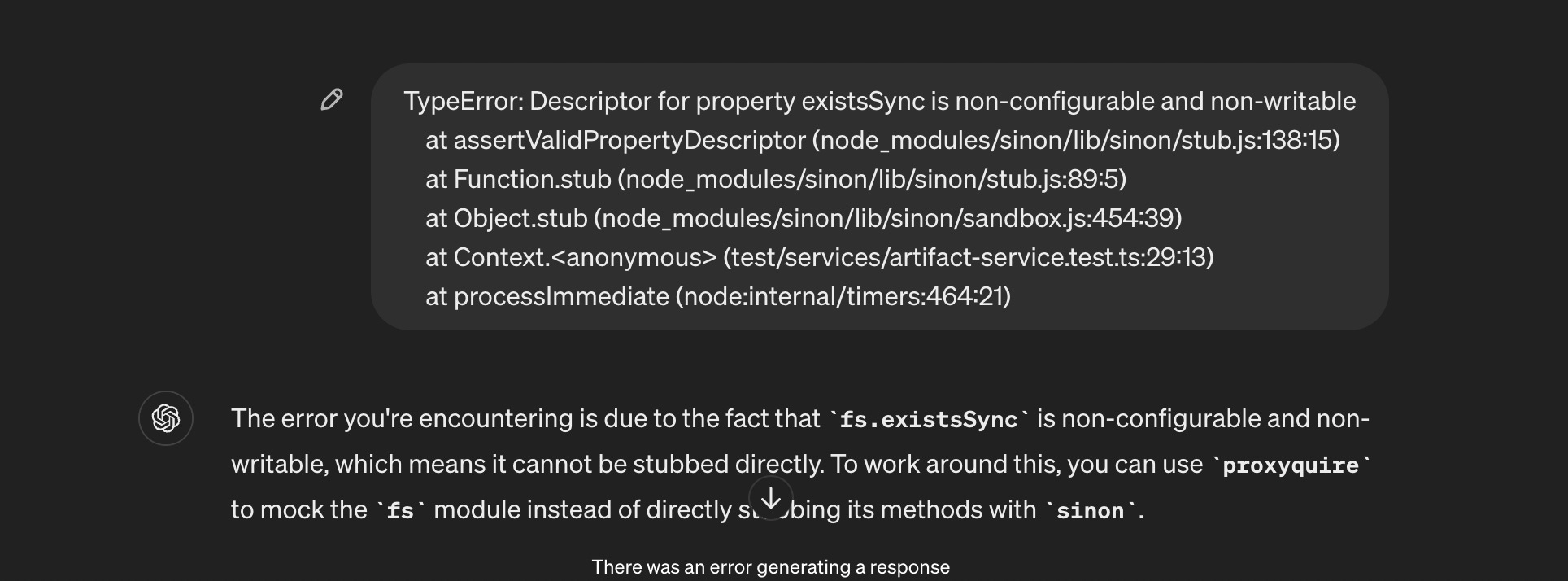
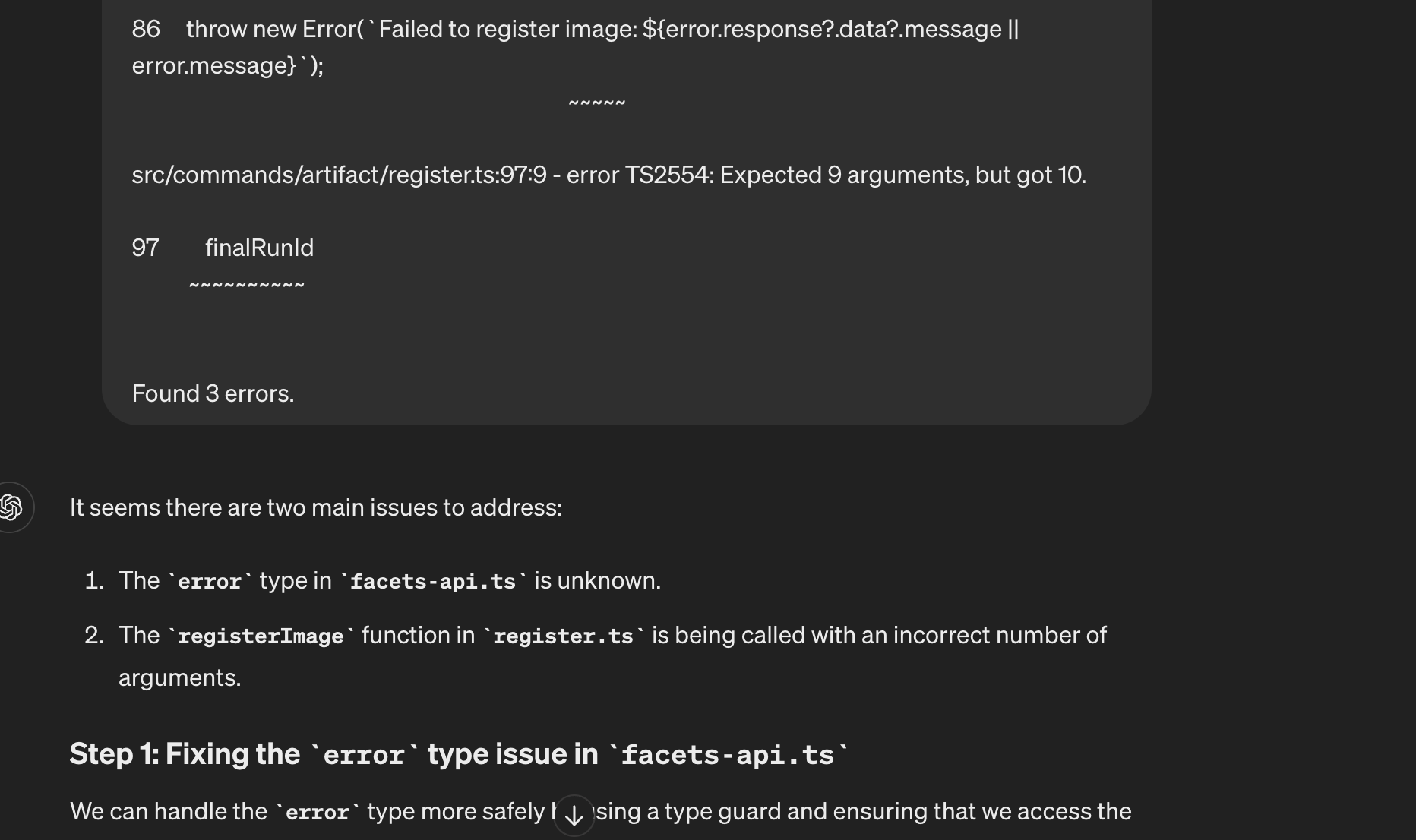
Of course, the code had multiple errors. Sometimes pasting code resulted in errors due to library version mismatches or misinformation. But chatGPT gave quick resolutions for this as well. It proved to be instrumental in debugging, providing suggestions for fixing issues, and optimizing the code.
Step 8: Mock API calls
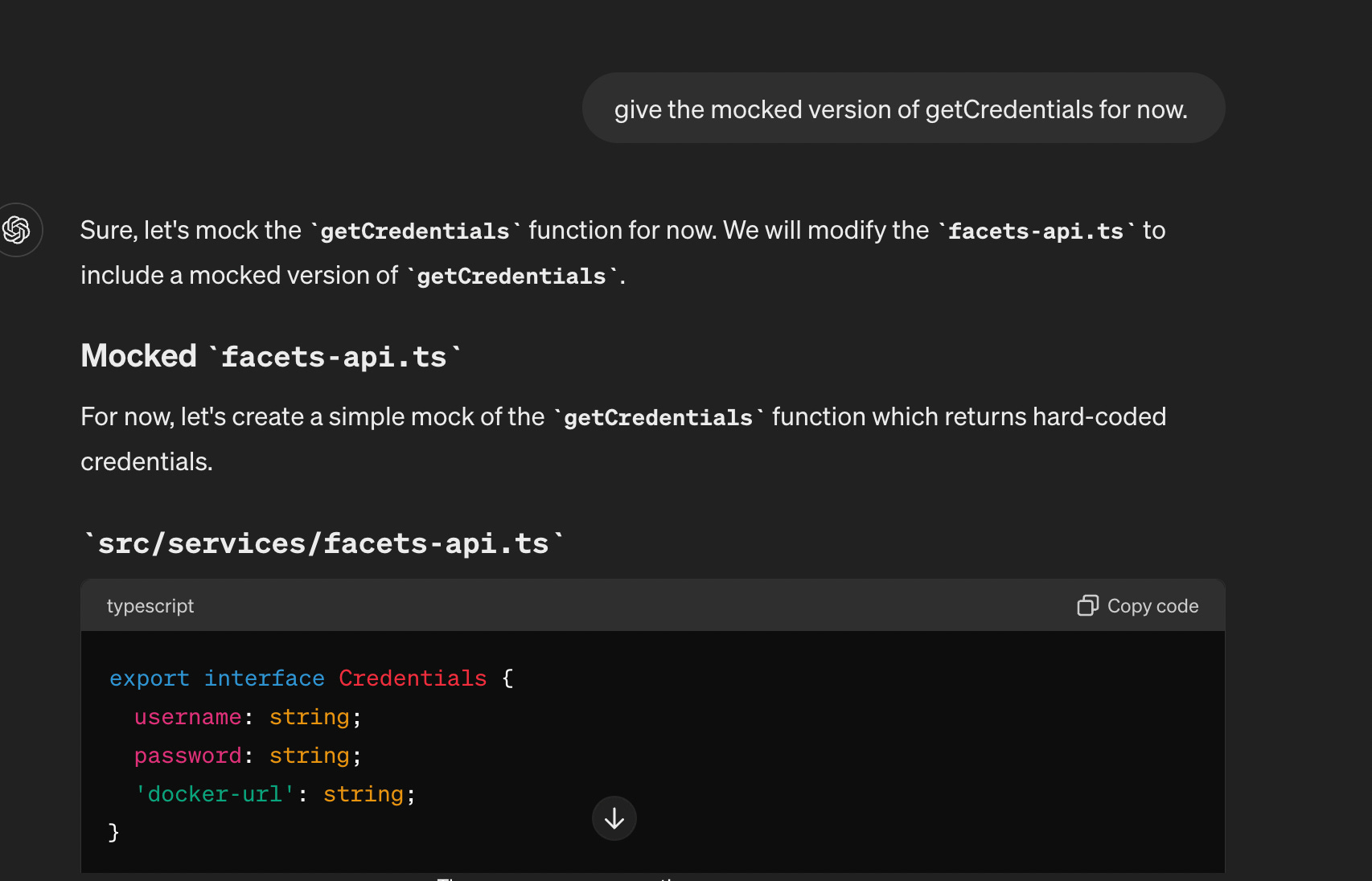
I asked it to mock API calls to test the functionality of the CLI without making actual calls to external APIs.
Step 9: Debug and run
After implementing the initial version, I ran the CLI to check for any runtime errors and logical issues. Again, I resolved these errors by asking ChatGPT to fix them and take care of similar issues in the future. It gave a helpful resolution to these runtime issues as well.
Step 10: Adding advanced functionalities
Once I got the initial version of the CLI running, I consciously implemented basic functionality and then added complexities as per the requirements to create a fully functional CLI.
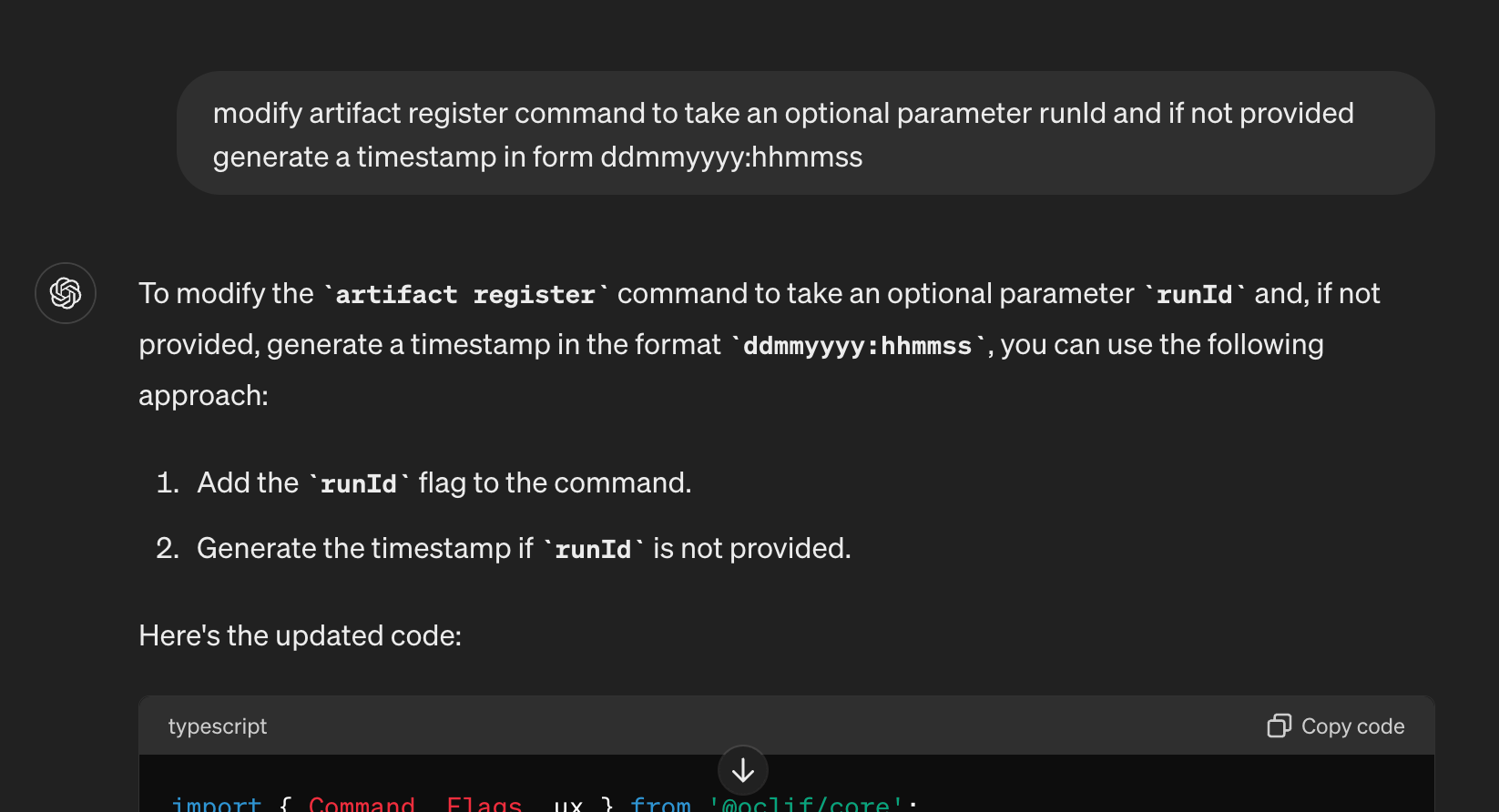
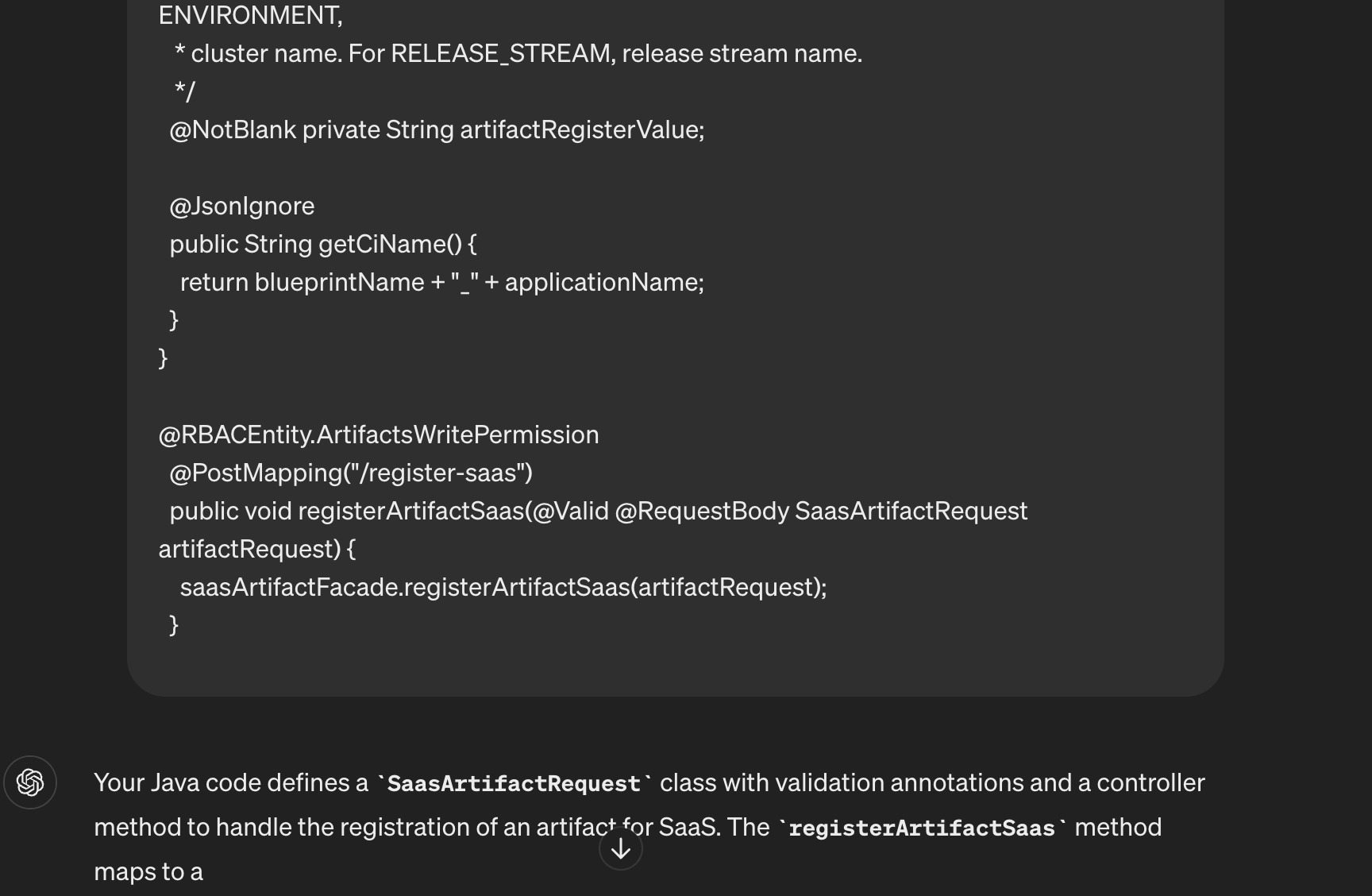
Step 11: Giving it the server-side API code
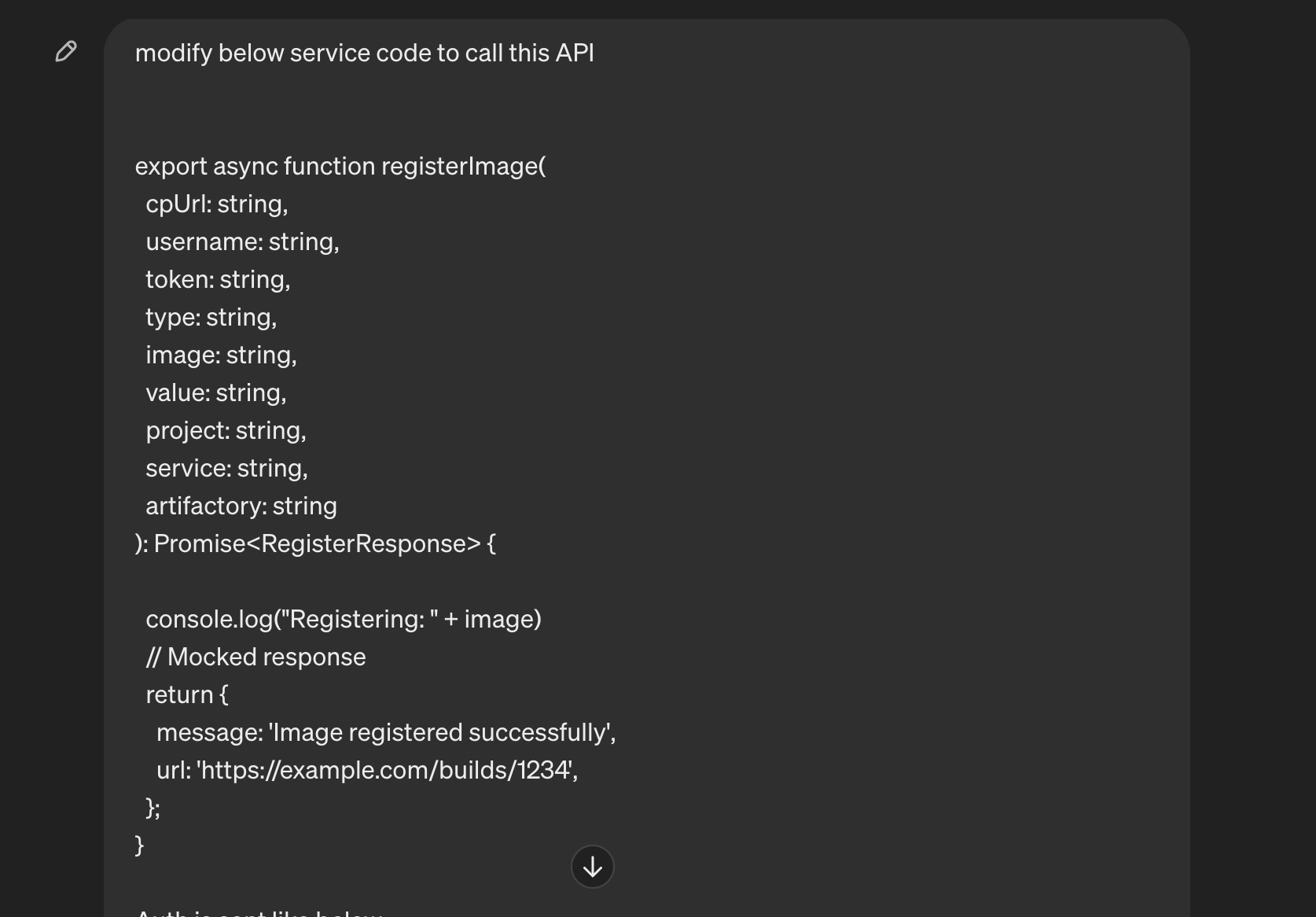
I provided the server-side API code to let the CLI project auto-generate the calling API functions. It then translated the server-side logic into a CLI command. This automation reduced development time, making the integration process smooth.
Step 12: Simulating the behavior
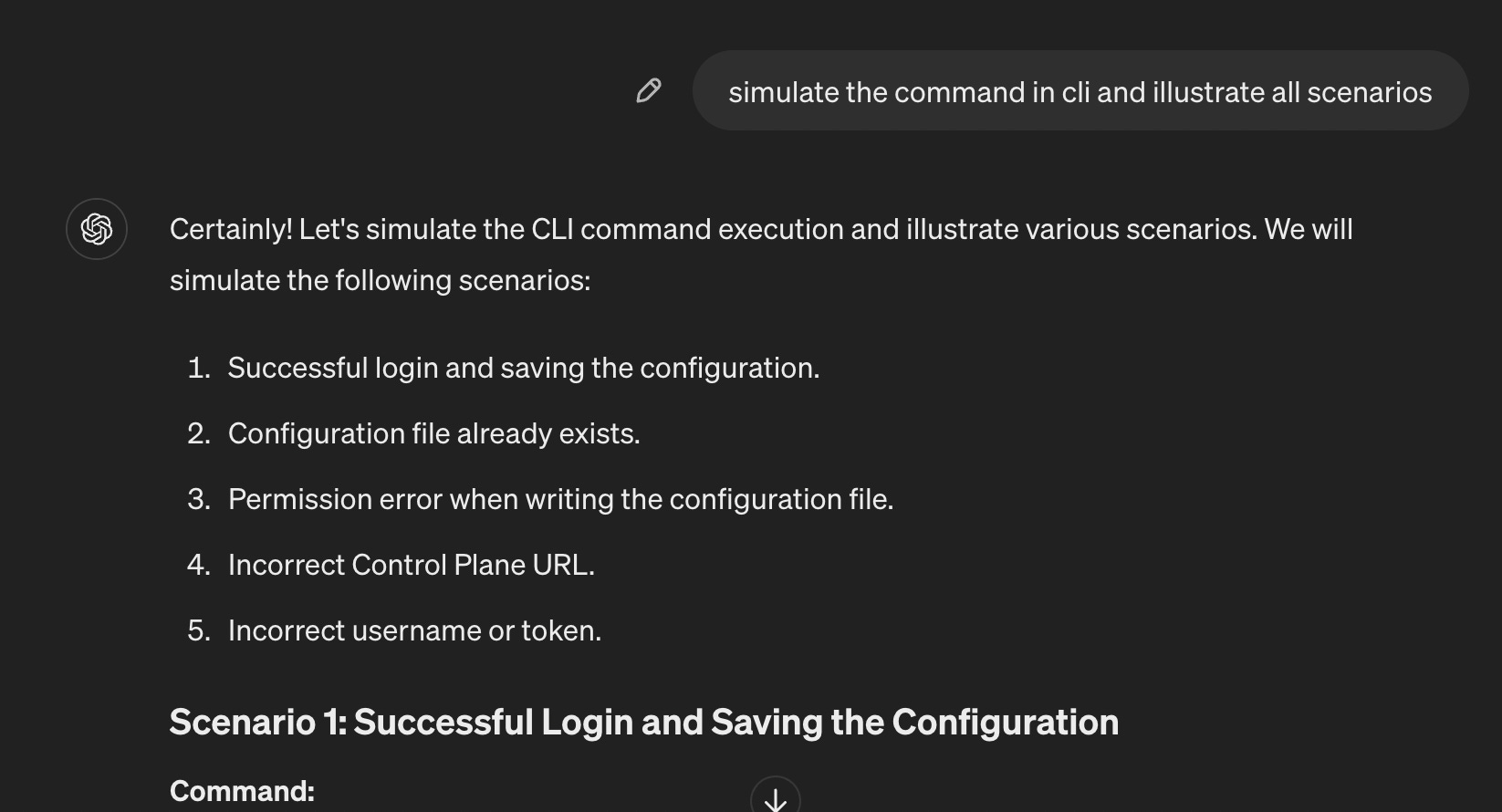
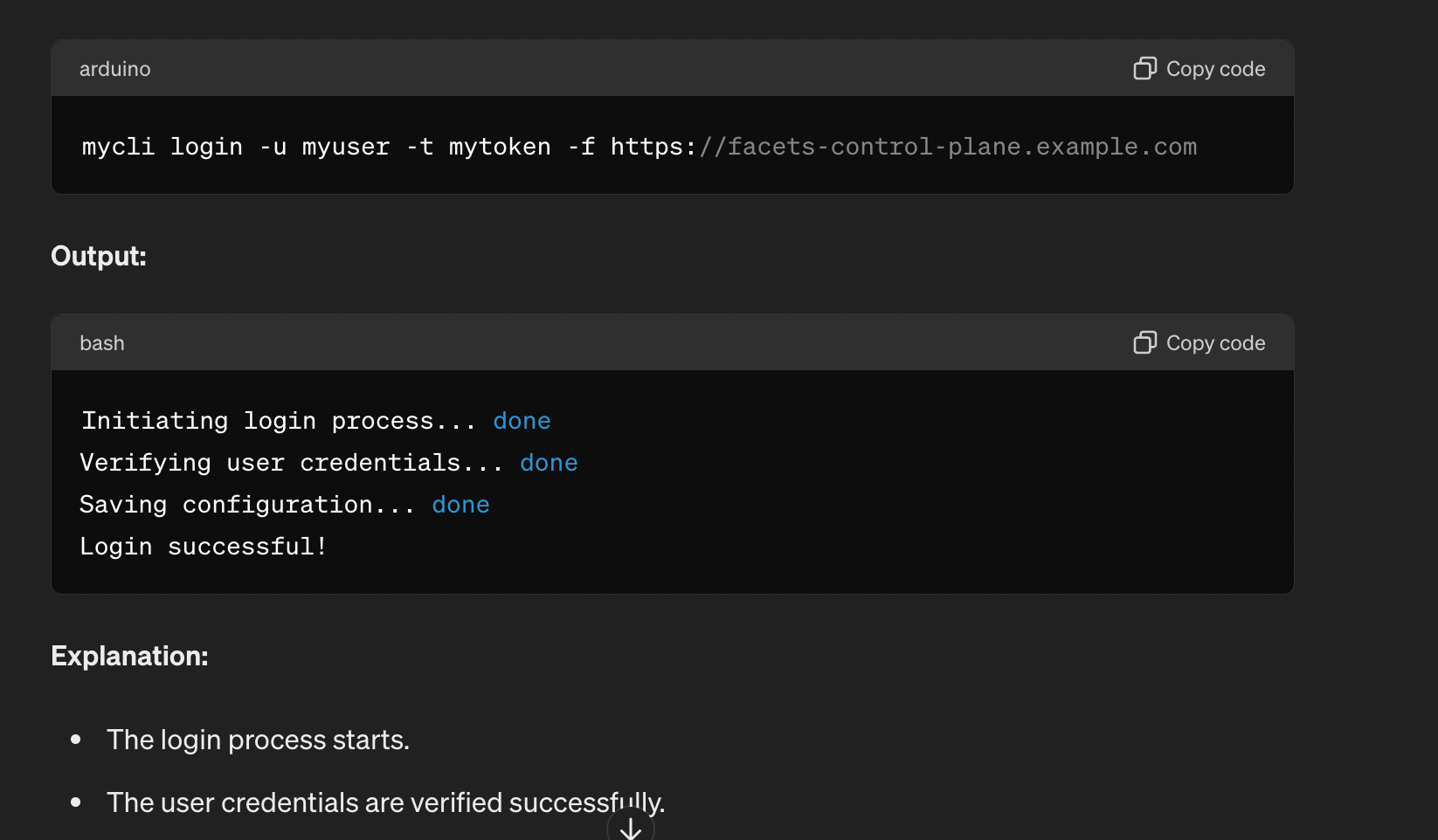
I then asked to simulate all the cases for the CLI and its outputs, which gave me confidence in handling edge cases without actually running the commands. Finally, I simulated the CLI's behavior in various scenarios to ensure it performed as expected under different conditions.
Conclusion
By leveraging AI tools like ChatGPT, developers can significantly enhance their productivity and tackle complex projects with greater ease. If used intelligently, it can be a real time-saver, and a few bad responses should not deter you from using it. The more important part here is to give enough context and excel at giving good prompts.